What’s the Tip?
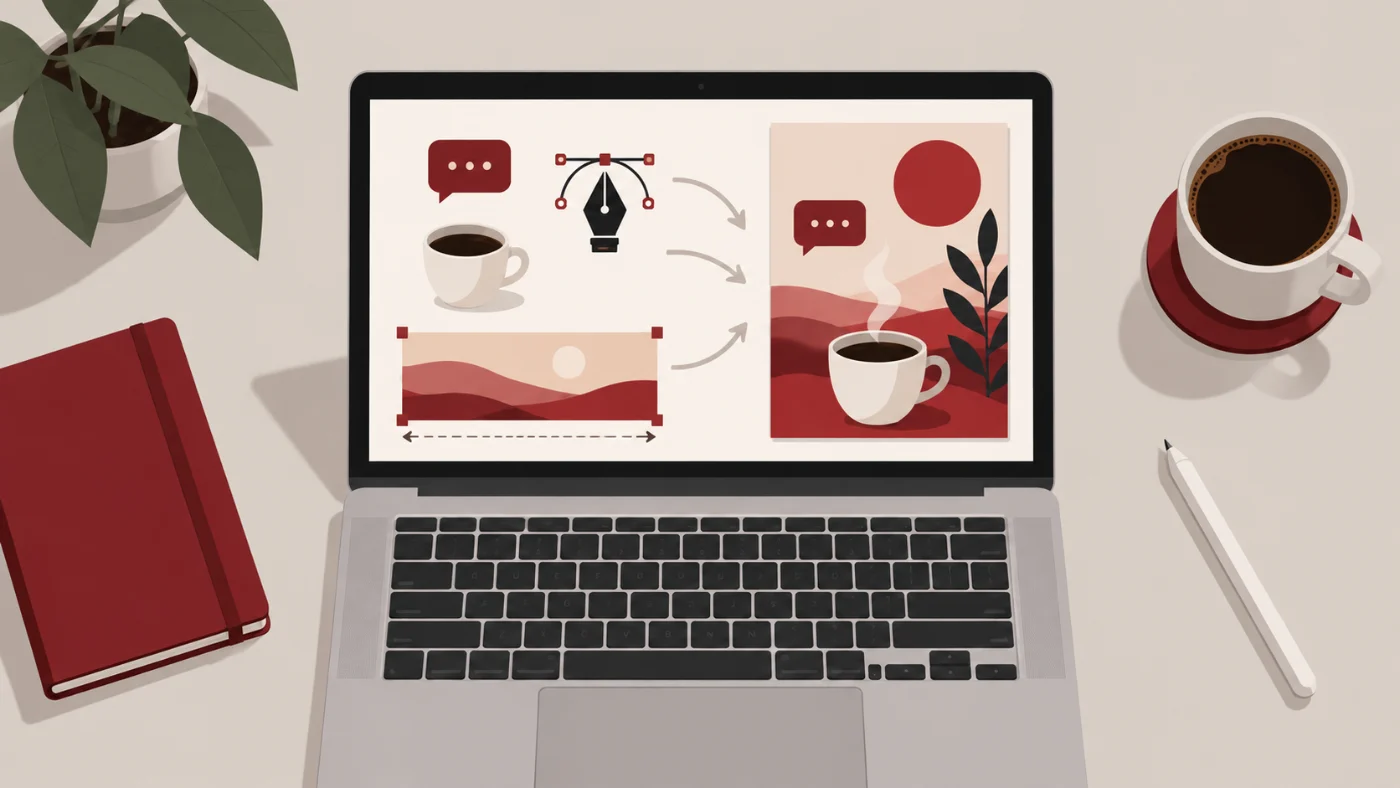
Every week there is a new “AI tool for designers”. I have tried a lot of them. In 2026 my day-to-day design work runs on three tools I already had open anyway: ChatGPT, Adobe Illustrator and Adobe Photoshop. Not because they are the flashiest, but because they hand work to each other cleanly. Here is the exact workflow, from a blank idea to a finished, editable design.
Why Not Just Generate the Whole Design?
You can ask an AI to produce a finished poster in one prompt, and it will look impressive for about ten seconds. Then a client wants the headline changed, the logo moved, or the same design at three sizes, and you are stuck regenerating and hoping. A generated image is a flat picture. A design is a set of pieces you can move, resize and re-type. So I use AI to make the pieces, and I do the design myself.
Step 1: Draft the Concept in ChatGPT
I start in ChatGPT with words, not images. I describe the project (what it is, who it is for, the mood, the colors I have to respect) and ask for three or four directions. Then I ask it to generate a quick image of the direction I like. This first image is a sketch, not an asset. It tells me whether the idea works before I spend real time on it.
A prompt that works for me:
“I’m designing a landing page hero for a coffee subscription. Warm, minimal, morning light. Give me three visual concepts in two sentences each, then generate a rough image of concept 2.”
Step 2: Generate the Elements Alone, Not the Layout
This is the part most people skip. Once I like a concept, I ask ChatGPT to render each design element on its own: the coffee bag, the cup, the leaf, the background texture. One element per image, centered, on a plain background, no text. Isolated elements are easy to cut out and I can place them exactly where I want them.
The prompt pattern I reuse:
- “Render only the [object] from the previous concept, centered, on a plain white background, no text, no shadow on the ground, same style and lighting.”
- “Same object, viewed from a slightly higher angle.”
- “Make it a square image, leave empty space around the object.”
I never ask AI to render text. AI text is either wrong, or right but frozen inside the pixels. Text belongs to Illustrator.
Step 3: Assemble Everything in Illustrator
Illustrator is where the pieces become a design. I place the generated elements, arrange the layout, and set every headline, tagline and button as real, editable type. That means I can change a word, swap a font, or translate the whole thing without touching the images. It also means the design scales: the same file becomes a poster, a social post and a banner, and the text stays sharp at every size.
A few habits that keep this clean:
- Each AI element on its own layer, named, so I can swap a regenerated version later.
- Fonts and colors from the brand, not from the AI image. The AI gets the mood right; the brand gets the details right.
- Vector shapes for anything geometric (buttons, dividers, badges). If it is simple, I draw it. AI is for the things that are hard to draw.
Step 4: Fix and Resize in Photoshop
Generated images are rarely the exact size or shape I need. When an element needs adjusting, I take it into Photoshop and use the generative features:
- Generative Expand when I need a wider or taller version of the same image. I change the canvas size, select the empty area, and let Photoshop extend the scene. That is how a square AI image becomes a 16:9 hero.
- Generative Fill to remove an awkward detail, extend a texture, or fill the gap left when I move something.
- The usual resize and crop for final dimensions, because generative expand should be the last resort, not the first.
Then the fixed element goes back to Illustrator, and the layout does not change because I only replaced the linked image.
What I Don’t Use AI For
- Final typography. Ever.
- Logos. A logo needs to be a vector with intent behind every curve.
- Anything the client will print large. Generated images are still soft when you look closely at 300 dpi.
The Whole Workflow in One Line
Concept in ChatGPT → elements generated one by one → layout and editable text in Illustrator → resizing and clean-up in Photoshop. Three tools, one file at the end that I can actually edit next month. That is the difference between playing with AI and working with it.