
What’s the Tip?
A vague prompt gets you a generic image. Not because the AI is bad, but because every word you leave out, it fills in with the most average answer it knows. The fix is to stop writing prompts like wishes and start writing them like a creative brief. I use the same six-part formula for almost every image I generate, and it works in ChatGPT, Firefly and Midjourney alike.
Why Most Prompts Fail
Try “a poster about coffee”. You’ll get a poster about coffee: brown, busy, a cup surrounded by beans, and a headline the AI wrote for you. It had to guess the style, the layout, the format, the colours and what the image is for, and it guessed the average of everything it has seen.
Every guess you take away is control you get back.
The Six-Part Prompt Formula
Write your prompt in this order. You don’t need all six every time, but the more you name, the less the AI invents.
- Subject: what exactly is in the image. One main thing, described plainly. “A ceramic coffee cup with rising steam.”
- Style: the medium or look. “Flat vector illustration,” “soft 3D render,” “photograph on a 50mm lens.”
- Composition: where things sit and how much space is left. “Centered, lots of empty space at the top for a headline, 16:9.”
- Light: the one thing that changes the mood most. “Soft light from the top left,” “golden hour,” “studio lighting.”
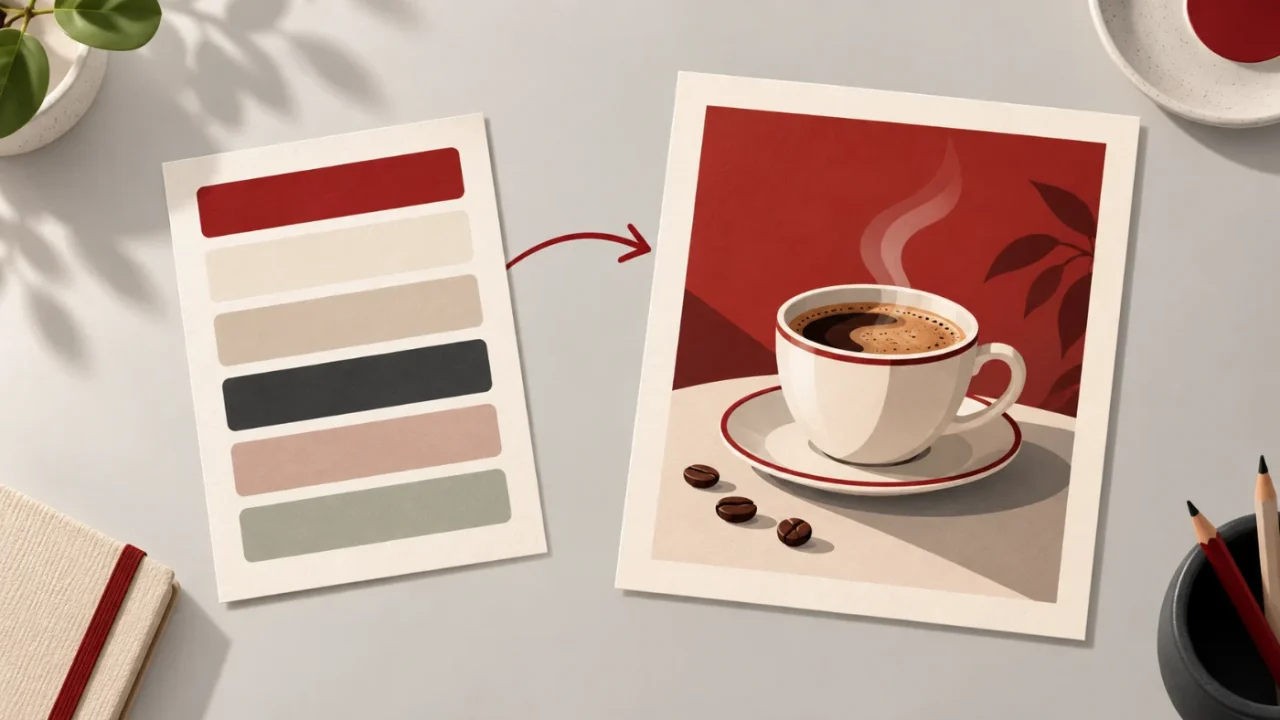
- Colour: name the palette instead of hoping. “Cream, espresso brown and one terracotta accent.”
- Constraints: what must not be there. “No text, no logos, no people, plain background.”
Before and After
Same idea, two prompts. The first one is how most people start:
a poster about coffee
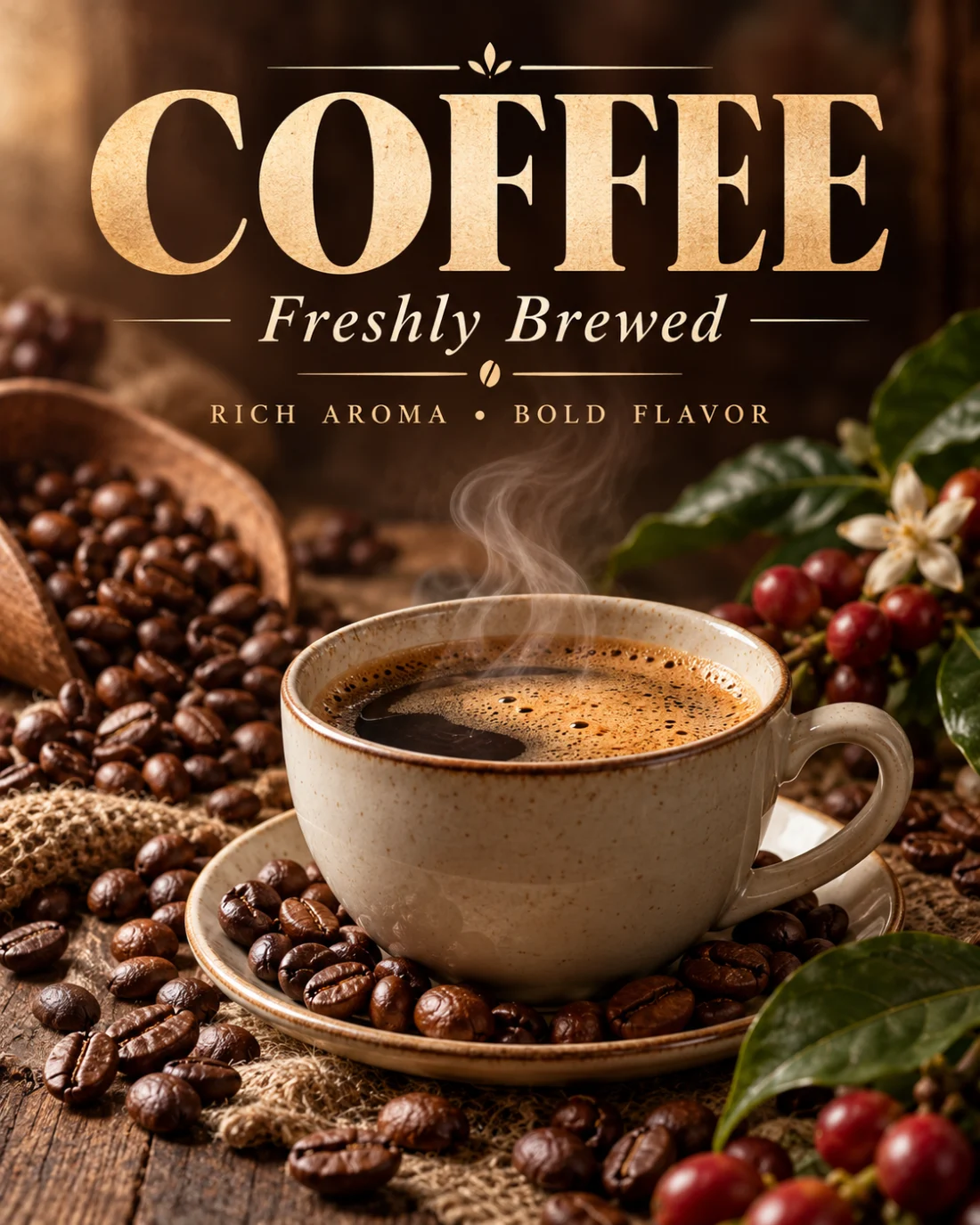
It looks finished, and that is the trap. The headline is baked into the pixels, the format is portrait whether you wanted it or not, and there is no room left for your own copy. Change one word and you start again.
The second one uses the formula:
A ceramic coffee cup with rising steam, centered on a warm beige background. Flat vector illustration. Soft light from the top left. Palette of cream, espresso brown and one terracotta accent. Lots of empty space at the top for a headline, 16:9. No text, no logos, no people.
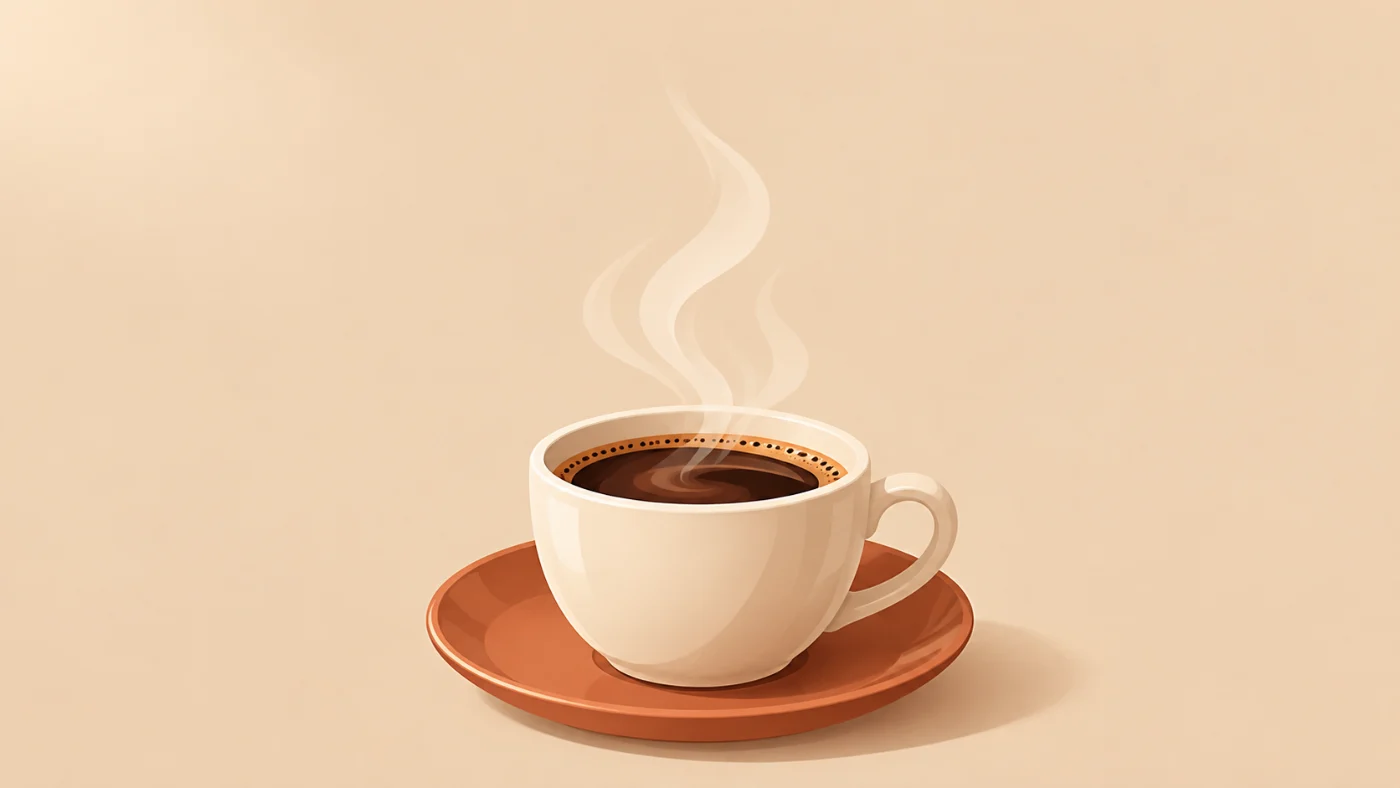
The second image is something I can actually use: the space for the headline is already there, the colours match a brand, and there is no baked-in text to paint out.
Prompting for Design Assets
If the image is going into a layout, don’t ask for the layout. Ask for the pieces. This is the core of the workflow in The AI Tools I Actually Use as a Designer in 2026: generate every element on its own, then assemble them in Illustrator where the text stays editable.
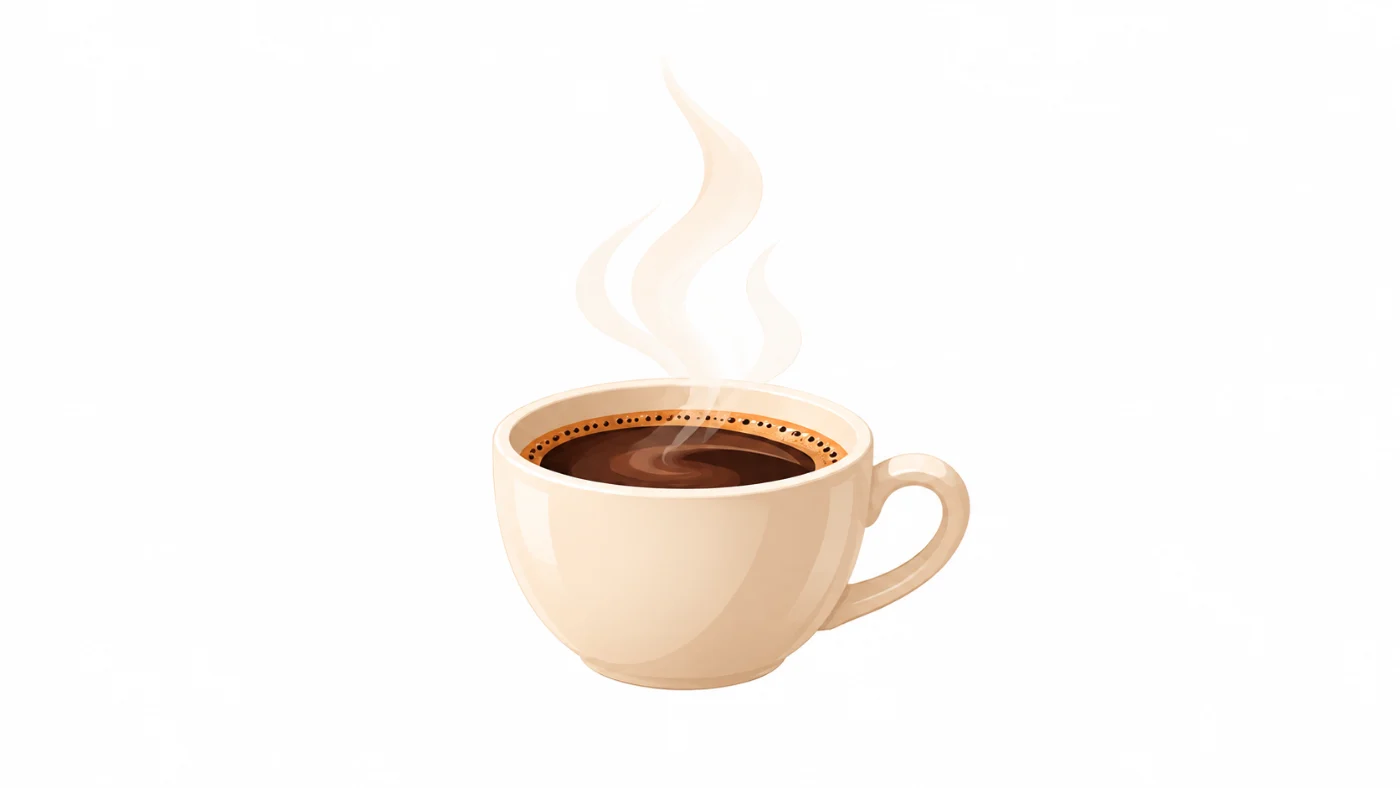
- One element per image: “Only the coffee cup, centered, on a plain white background.”
- Keep the style locked: “Same style and lighting as the previous image.”
- Leave room to cut it out: “Empty space around the object, no shadow on the ground.”
- Never ask for text: set type yourself. Even when AI lettering is spelled right, it is frozen in the pixels.
Here is the cup from the example above, asked for on its own in the same chat. It kept the style and the steam, dropped the saucer and the beige, and left clean space around it.
Fix the Image, Don’t Start Over
When a result is 80% right, keep it and edit it. Starting from scratch throws away everything that worked.
- Change one thing at a time: “Same image, but make the background darker.” If you change three things and it gets worse, you won’t know which one did it.
- Point at the problem: “The steam is too thick, make it thinner and more transparent.”
- Fix size and shape in Photoshop: if you only need a wider version, Generative Expand is faster and more predictable than asking for a new image.
Copy-Paste Templates
Three prompts I reuse all the time. Swap the words in brackets.
Hero background with room for text
[Scene], [style]. Soft [light]. Palette of [colour 1], [colour 2] and [accent]. Main subject on the right third, calm empty space on the left for a headline, 16:9. No text, no logos, no people.
Isolated design element
Only the [object], centered on a plain white background, [style], same lighting as before, empty space around it, no shadow on the ground, no text.
Matching icon set
A set of [number] flat line icons: [icon 1], [icon 2], [icon 3]. Same stroke weight, rounded corners, [colour] on white, evenly spaced in a grid. No text.
The Whole Tip in One Line
Subject, style, composition, light, colour, constraints. Name all six and the AI stops guessing. Then generate pieces instead of layouts, and fix what’s almost right instead of starting over.